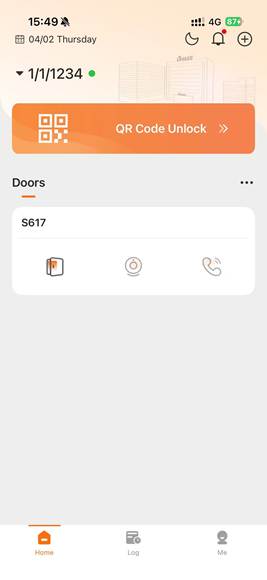
1. Check Apartment License Assignment
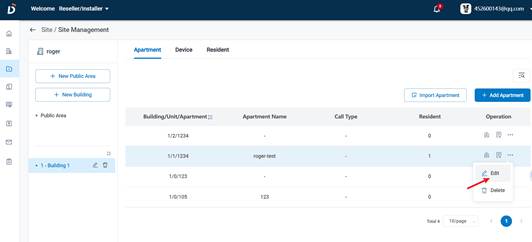
Edit the corresponding apartment and verify the license type assigned to the room.
- Open apartment configuration settings
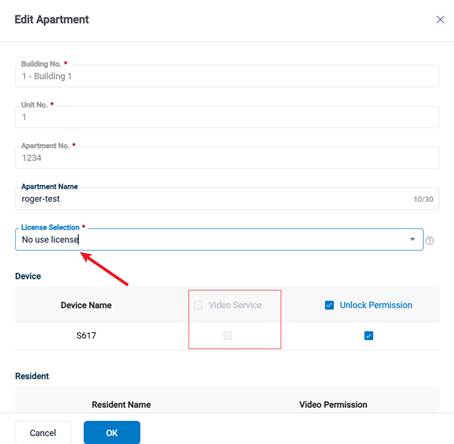
- Check whether a valid license is assigned to the room
2. Video Service Activation Requirement
If no license is assigned:
Video service cannot be activated without a valid license.
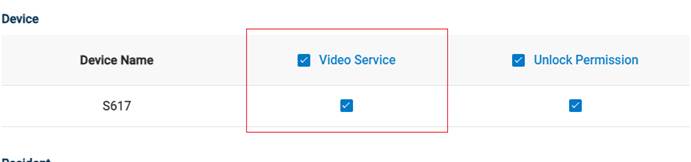
3. Assign License and Enable Video Service
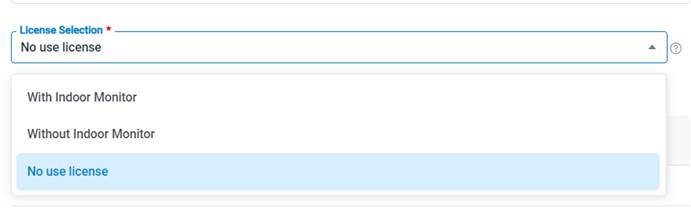
Assign an appropriate license based on the apartment configuration:
- Assign license according to whether the unit is equipped with an indoor station
- Enable the video service function after assignment
4. License Insufficiency Handling
If the save operation fails:
This indicates that there are insufficient licenses under the current project.
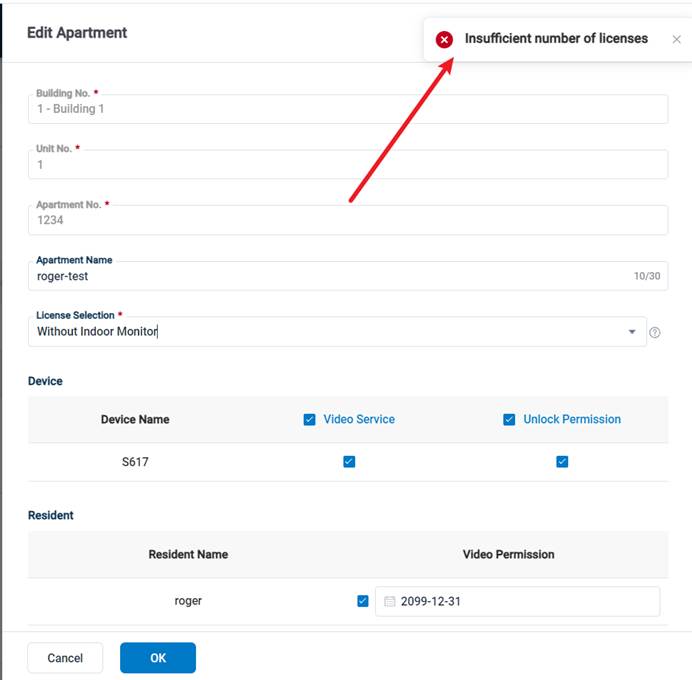
In this case:
- Contact the installer or system integrator
- Request additional licenses for the project
Was this article helpful?
That’s Great!
Thank you for your feedback
Sorry! We couldn't be helpful
Thank you for your feedback
Feedback sent
We appreciate your effort and will try to fix the article