Log in the device’s web configuration page with account (user) and password (1234).
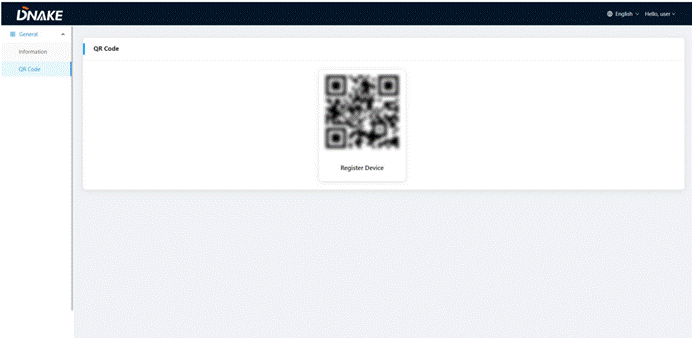
Click QR Code and scan by DNAKE Smart Life app to add this Indoor Monitor to your phone. Only when the license is filled in Internet-connected Indoor Monitor, QR code will be available
Was this article helpful?
That’s Great!
Thank you for your feedback
Sorry! We couldn't be helpful
Thank you for your feedback
Feedback sent
We appreciate your effort and will try to fix the article